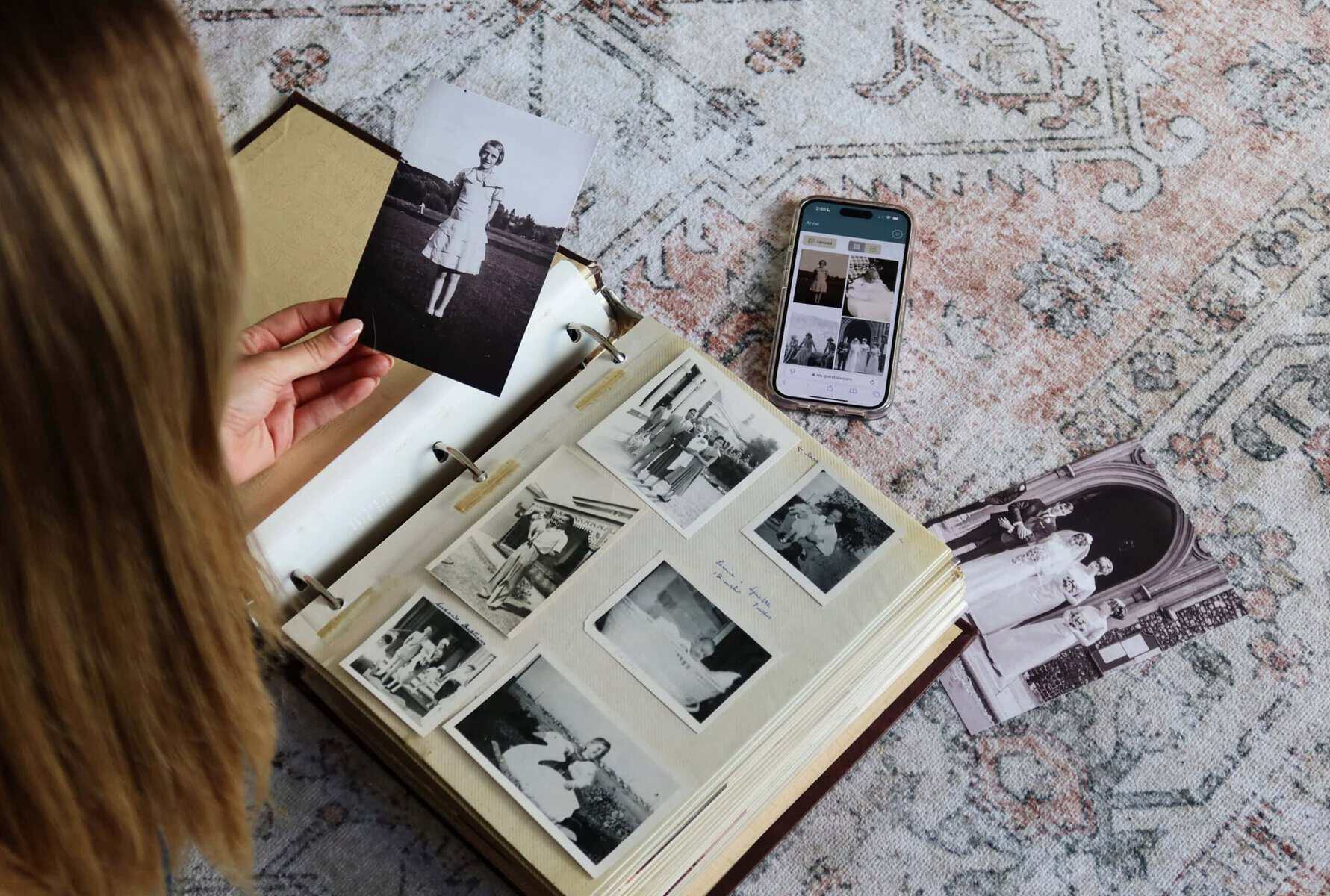
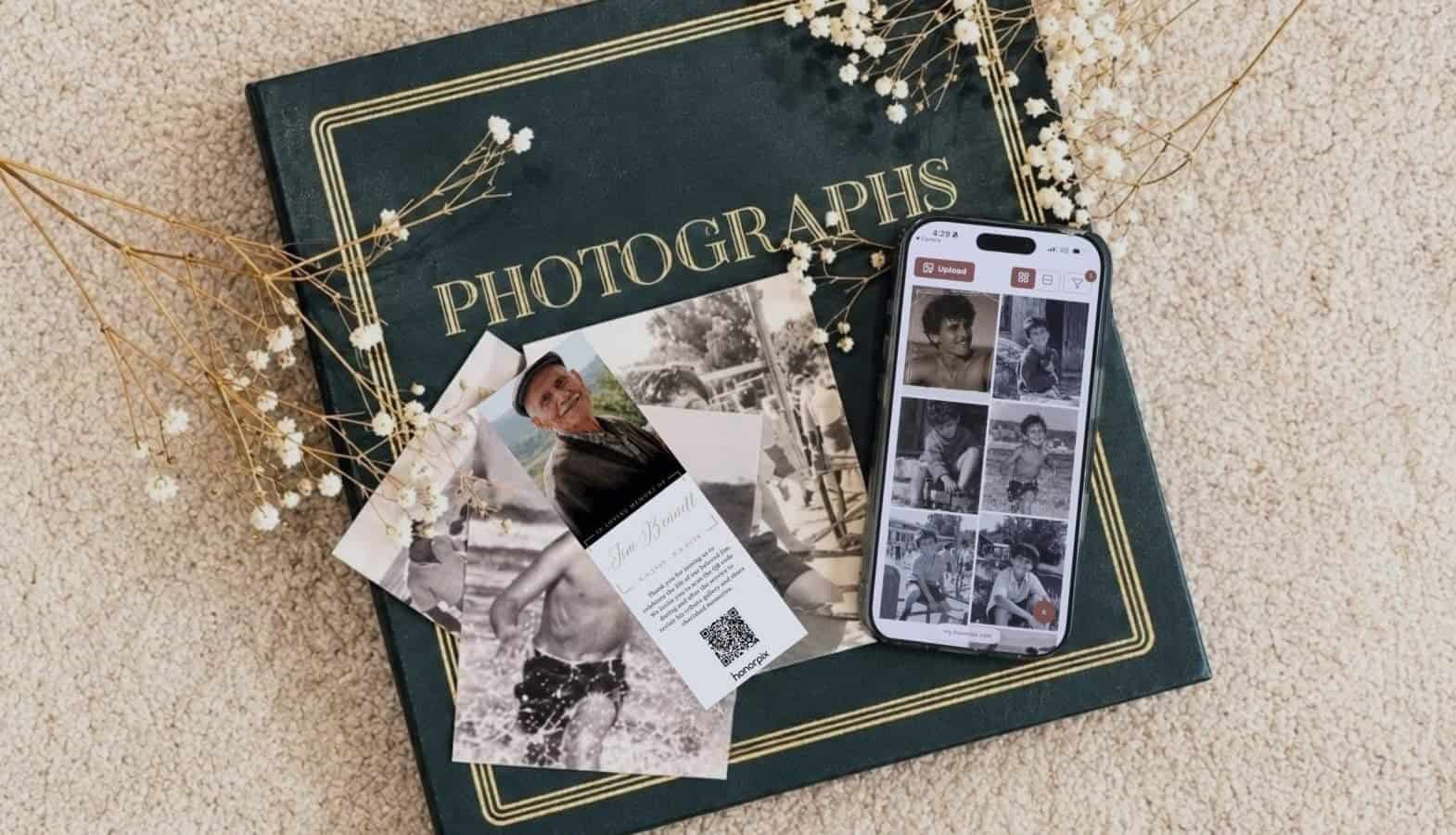
When we lose someone we love, the stories and moments we shared become our most precious treasures. A printed program or order of service is a beautiful physical keepsake, but often, there are so many more memories to share than a few pages can hold.
Adding a qr code for funeral program stationery provides a gentle bridge between the physical ceremony and a shared digital space where every family member can contribute their own special photos. It allows you to gather the many different perspectives of a beautiful life in one place, creating a collective tribute that grows throughout the day and stays with you forever.
Why include a QR code on a funeral program?
A traditional celebration of life program usually features a few carefully chosen photos and a brief outline of the service. By including a memorial QR code, you invite everyone present to play a meaningful part in remembering them.
Instead of just looking at the photos you have selected, guests can use their phones to see hundreds of other moments. They can also upload their own photos from their seats or during the wake, ensuring that those candid, forgotten memories from years ago are preserved. This turns a static piece of paper into a living digital memorial guest book that the family can return to whenever they need comfort.
How to add a QR code to funeral programs
The process of adding a code is simple and fits naturally into the design phase of your stationery. Whether you are working with a professional funeral director or designing the booklet yourself on Canva or Microsoft Word, the workflow is straightforward.
- Create your memorial gallery: First, you will need a secure destination where photos and messages will live. You can create a free memorial gallery in a few moments. This generates a unique, scannable QR code specifically linked to your loved one’s tribute.
- Download the high-resolution QR code: Save the code image to your computer in PNG or SVG format. HONORPIX provides print-ready, high-resolution files that maintain sharp edges even when resized by a printer.
- Insert into your design layout: Open your program template in Canva, Microsoft Word, or Adobe InDesign. Insert the QR code image just as you would any photograph or decorative element.
- Test-scan before printing: Before sending the file to the print shop, print a single test sheet at home or scan the code directly off your screen with a smartphone camera. Testing in advance gives you complete peace of mind before the full print run.
A Gentle Way to Gather Memories
HONORPIX helps families collect every precious photo without requiring guests to download an app or create an account. Our memorial galleries provide a calm, dignified space to celebrate a life together.
View honorpix memorial packagesDesign and placement tips for a memorial program QR code
When you are planning a celebration of life, every small detail helps set the tone. The placement of the QR code should feel natural and respectful, rather than looking like an intrusive technical element.
Sizing for effortless scanning
For a smooth scanning experience, print the QR code at a minimum size of 2cm by 2cm (about 0.8 inches). If printed too small, older smartphone cameras may struggle to focus quickly. Always leave a quiet zone of blank space around the outer border so camera lenses instantly distinguish the pattern from background photos or text.
Respectful placement on the program
Most families prefer placing the QR code on the back cover of the program or order of service. This preserves the front cover for a peaceful portrait photo, dates, and title. Common placements include:
- Back cover lower right: Positioned discreetly beneath family acknowledgements or charity donation details.
- Inside reception panel: Placed alongside reception directions, wake times, or parking information.
- Memorial card or bookmark: Centred cleanly on the reverse side of a pocket keepsake card.
Adding comforting microcopy
A short, warm sentence placed directly beneath the code gives guests clear direction without feeling pushy. Thoughtful phrasing options include:
- “Scan with your phone camera to share cherished photos and memories with our family.”
- “Upload your favourite photos of [Name] to our private memorial gallery.”
- “A collective keepsake of stories and photos. Scan to view and contribute.”
A lasting tribute that never expires
One of the greatest comforts of a digital memorial is its permanence. Long after the physical programs have been placed in a memory box, the shared gallery remains safe and accessible.
HONORPIX uses a dual-copy storage architecture. When guests upload photos, we preserve the uncompressed, full-resolution original files in secure cloud storage for the family to download at any time, while automatically generating lightweight display versions for fast browsing. You can stream incoming photos directly to a venue screen as a live memorial slideshow during the wake. Because the QR code never expires, you and your family can revisit those shared moments on anniversaries, birthdays, or quiet evenings whenever you wish to remember.
Honour their memory together
Start a free memorial gallery today and begin collecting the memories and stories that matter most.
Create a free memorial galleryFrequently Asked Questions
How big should a QR code be on a printed funeral program?
For the most reliable scanning experience, print the QR code at a minimum size of 2cm by 2cm (roughly 0.8 inches square), or up to 2.5cm (1 inch) if the service will take place in softer church lighting. While newer smartphones can read compact codes, older handsets need adequate size and contrast to focus. Always preserve a small margin of white space around the perimeter, and avoid placing the code across paper folds or trims where creasing could distort the pattern.
Do elderly guests need to download an app to scan the QR code?
No, guests do not need to download an application or register for an account. During a time of loss, eliminating friction is essential. HONORPIX works natively through any standard smartphone camera. Attendees simply open their camera app, aim at the code, and tap the notification link to open the private gallery directly in their browser. This makes contributing photos accessible for grandparents and younger guests alike.
Can family and friends who live far away still view and contribute photos?
Yes, the gallery link can be shared globally via email, text message, or social memorial pages. Family members and friends who cannot travel to the service can open the gallery from home, view photos uploaded throughout the day, and upload their own cherished memories. This bridges the physical distance and ensures everyone who loved them feels part of the community tribute.
What type of paper finish is best for scanning funeral programs?
A matte, satin, or uncoated cardstock is ideal for funeral programs featuring QR codes. High-gloss finishes reflect overhead lighting and camera flashes, which can produce surface glare that makes it harder for smartphone lenses to scan the code cleanly. Matte paper diffuses light evenly, providing the sharp black-on-white contrast required for instant scanning.